Change logging levels
The logging level of a node is configured in the node settings. Actyx will emit logs at the configured and upper levels. You can configure the following levels:
DEBUGINFOWARNERROR
By default, INFO is configured which means that Actyx emits INFO, WARN and ERROR logs.
Change the log level
- Actyx CLI
- Node Manager
You can change the configured log level with the ax settings set command:
ax settings set /admin/logLevels/node "DEBUG" 192.168.2.1
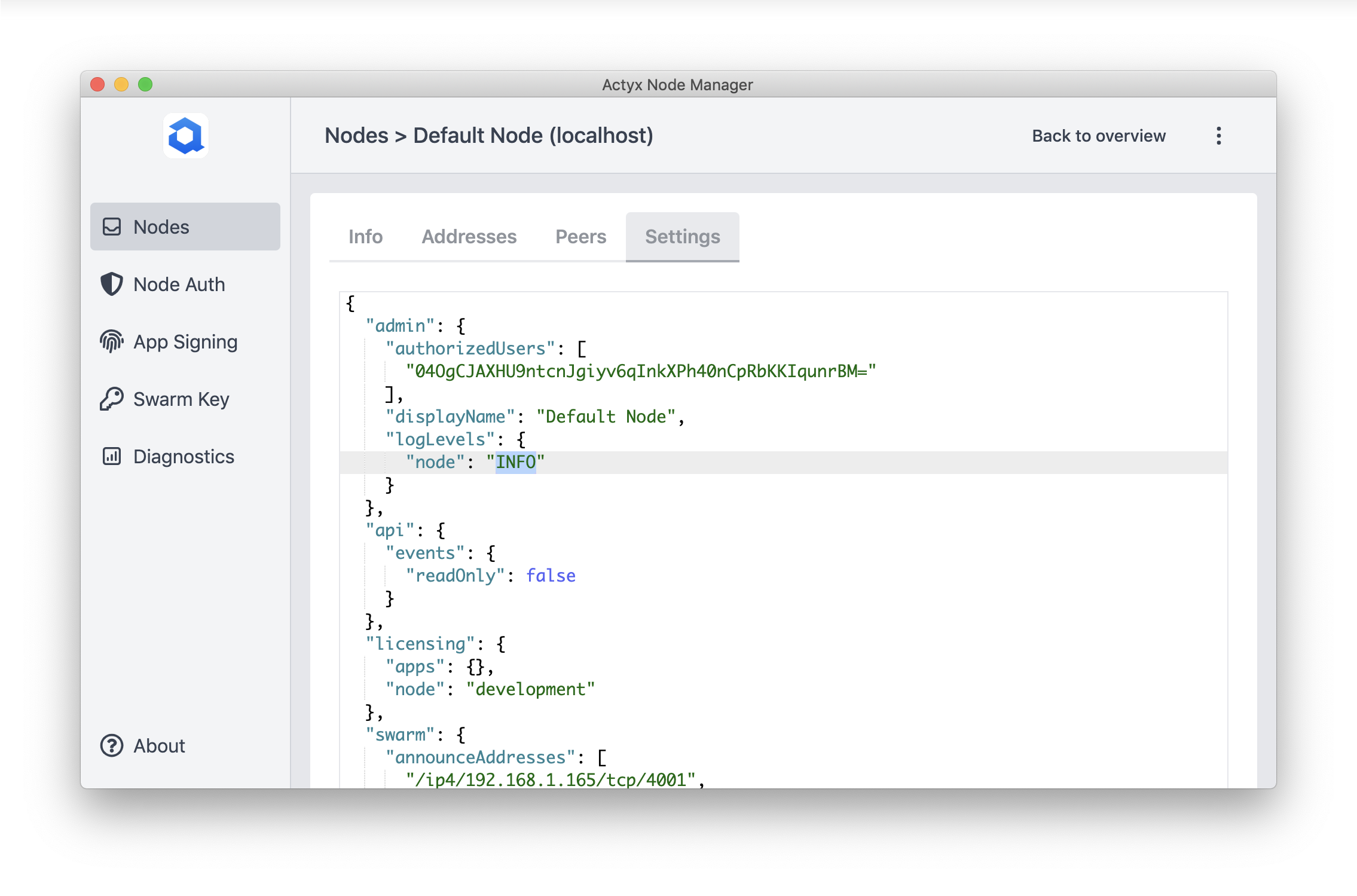
In the Node Manager, navigate to the settings tab, change the node logging level under logLevels and click save:
Debug logs on Android
To enable debug logging on Android, you also need to run adb shell "setprop log.tag.com.actyx DEBUG".
This property is reset to INFO when restarting the Android device.
For additional details, see Access Logs.